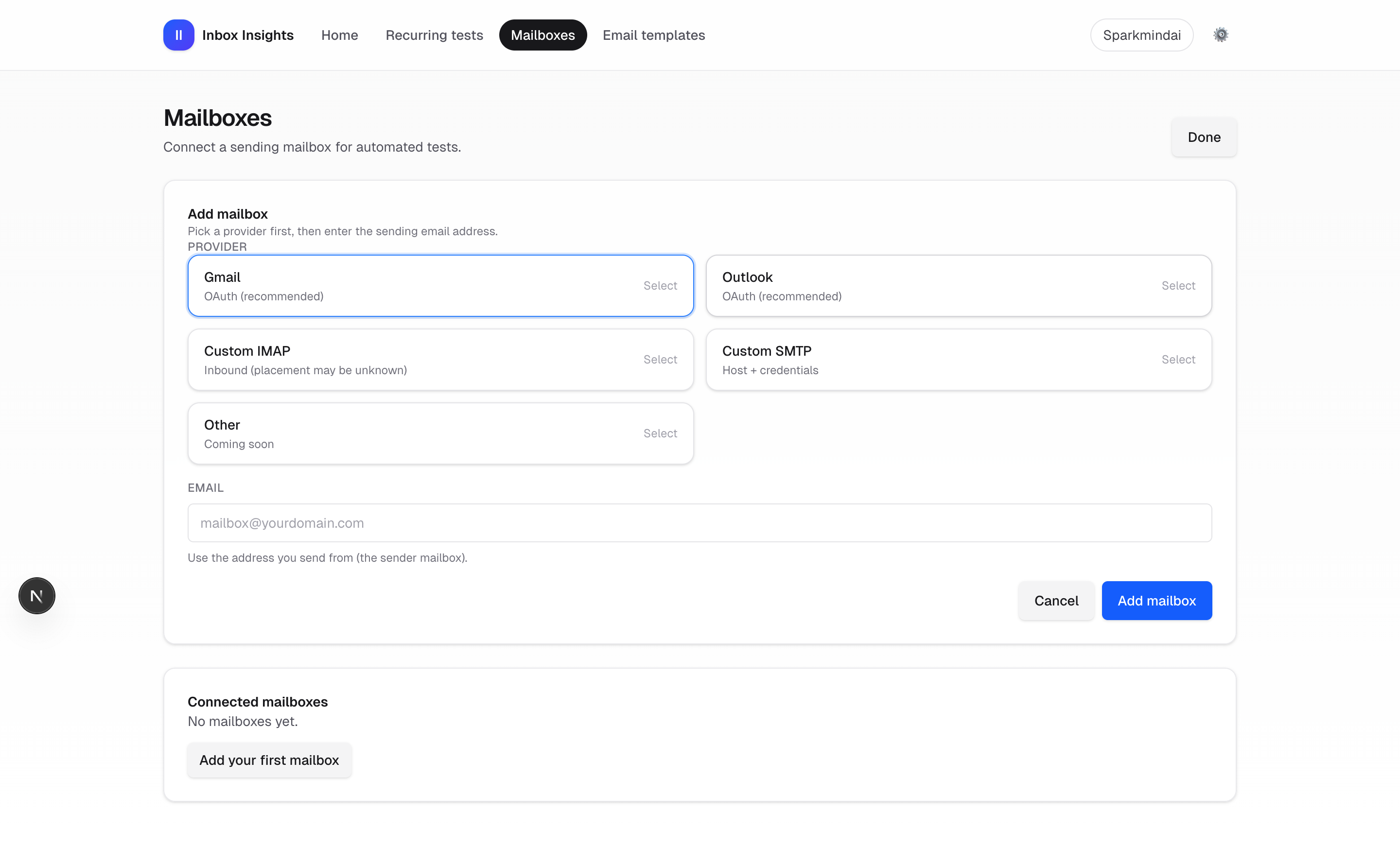
Add a mailbox
Add a sending mailbox for automated tests.
2 min read
Add mailbox
- Open InboxMender → Mailboxes.
- Click Add mailbox (or open /inbox-insights/mailboxes?add=1).
- Select a provider, enter the sending email address, and submit.
Best practice
Use the same address/domain you send real campaigns from to get realistic placement and risk signals.
Troubleshooting SMTP
- TLS settings mismatch: port 465 + SSL on, or port 587 + SSL off (STARTTLS).
- SMTP authentication failed (535): use an app password or provider API key (SendGrid username must be “apikey”).
- Provider blocked (550 unusual activity / usage policy): unblock in provider console or switch to a transactional provider (Resend/SendGrid/SES).
- SMTP connection failed: verify host/port, firewall, and that the server supports STARTTLS/SSL on that port.