Create an email template
Create a template used for automated tests (with compliance placeholder).
3 min read
Create template
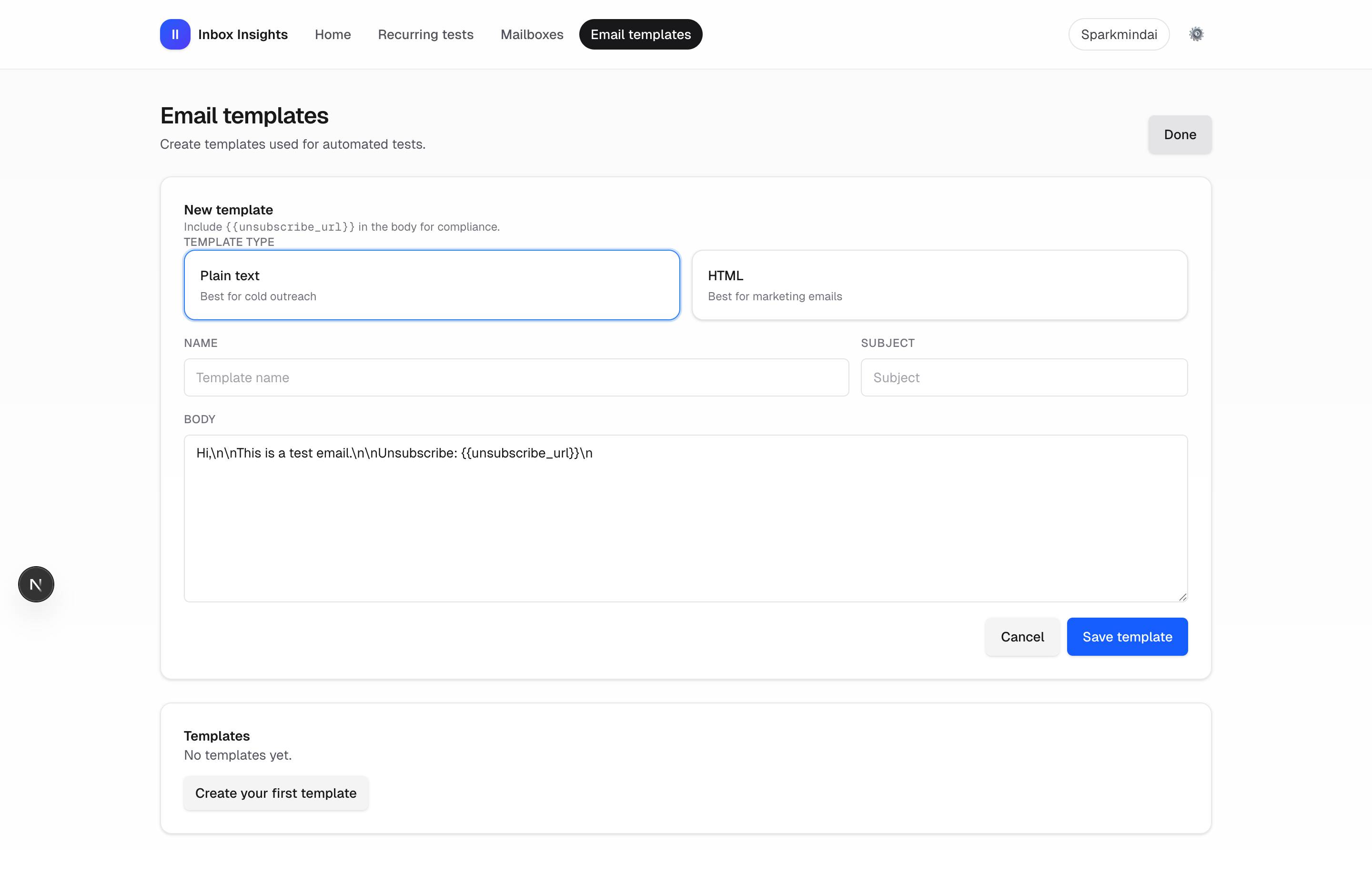
- Open InboxMender → Email templates.
- Click New template (or open /inbox-insights/templates?add=1).
- Choose Plain text or HTML, fill name/subject/body, and Save template.
Compliance placeholder
Include {{unsubscribe_url}} in the body for compliance.